

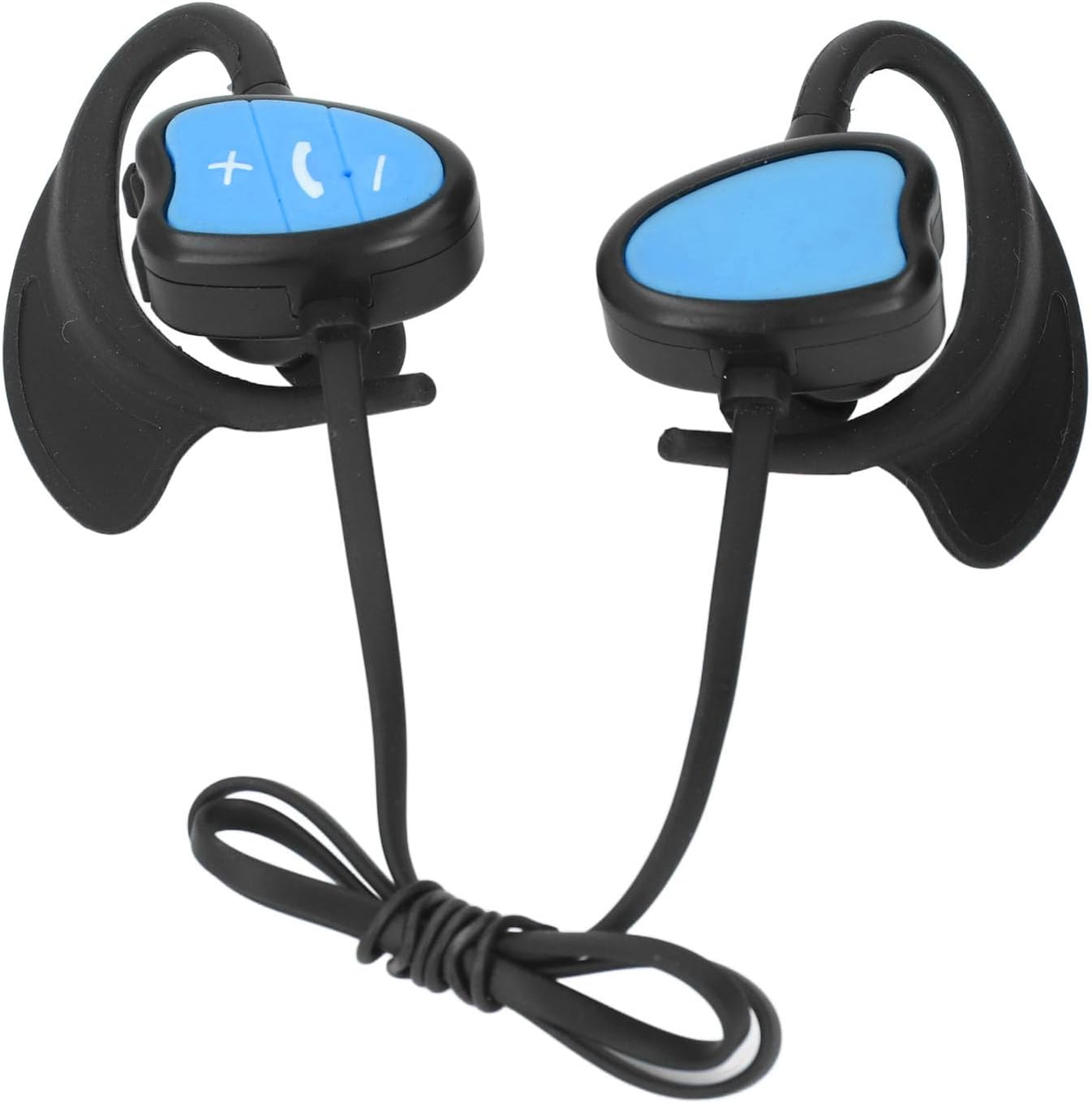
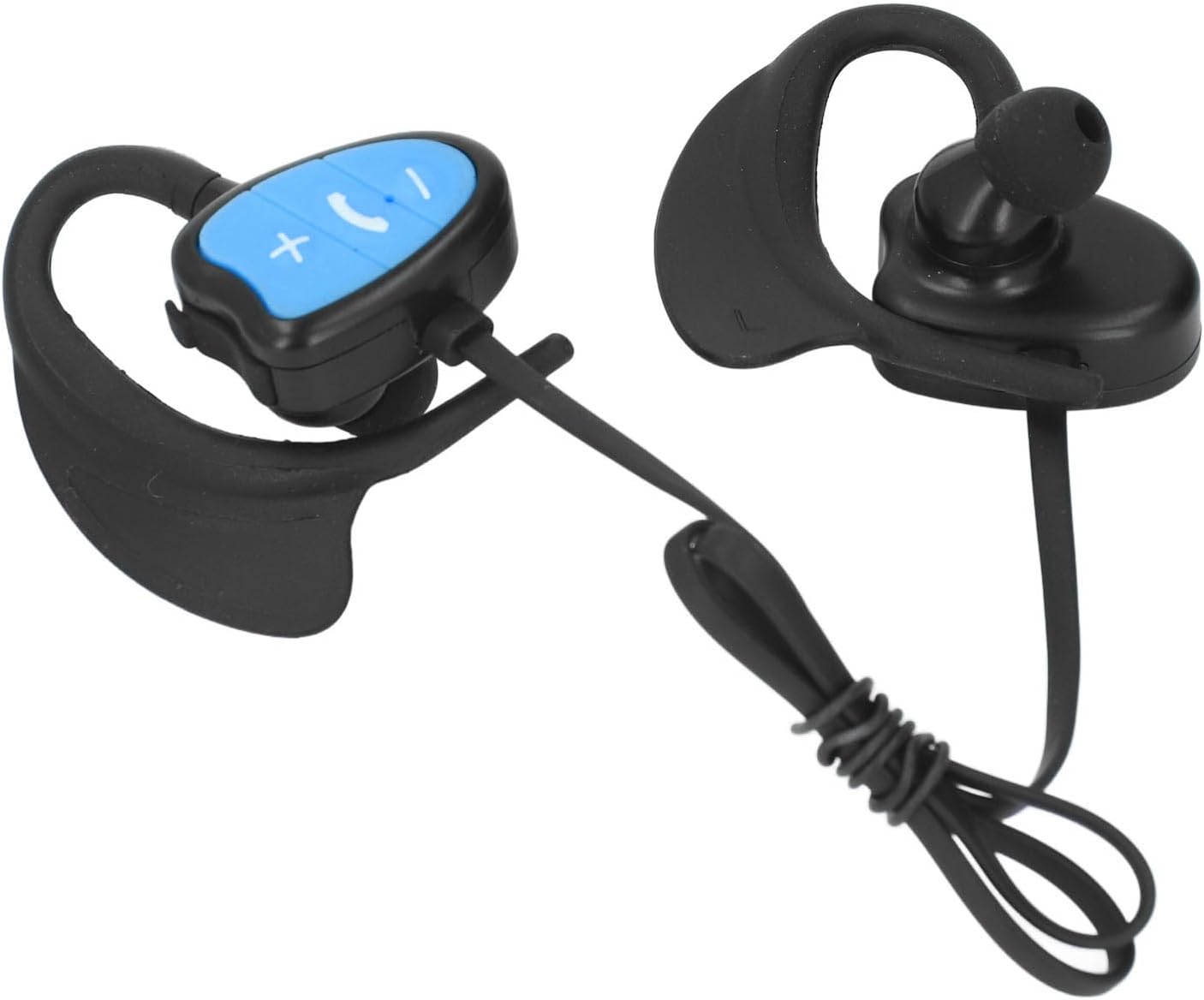
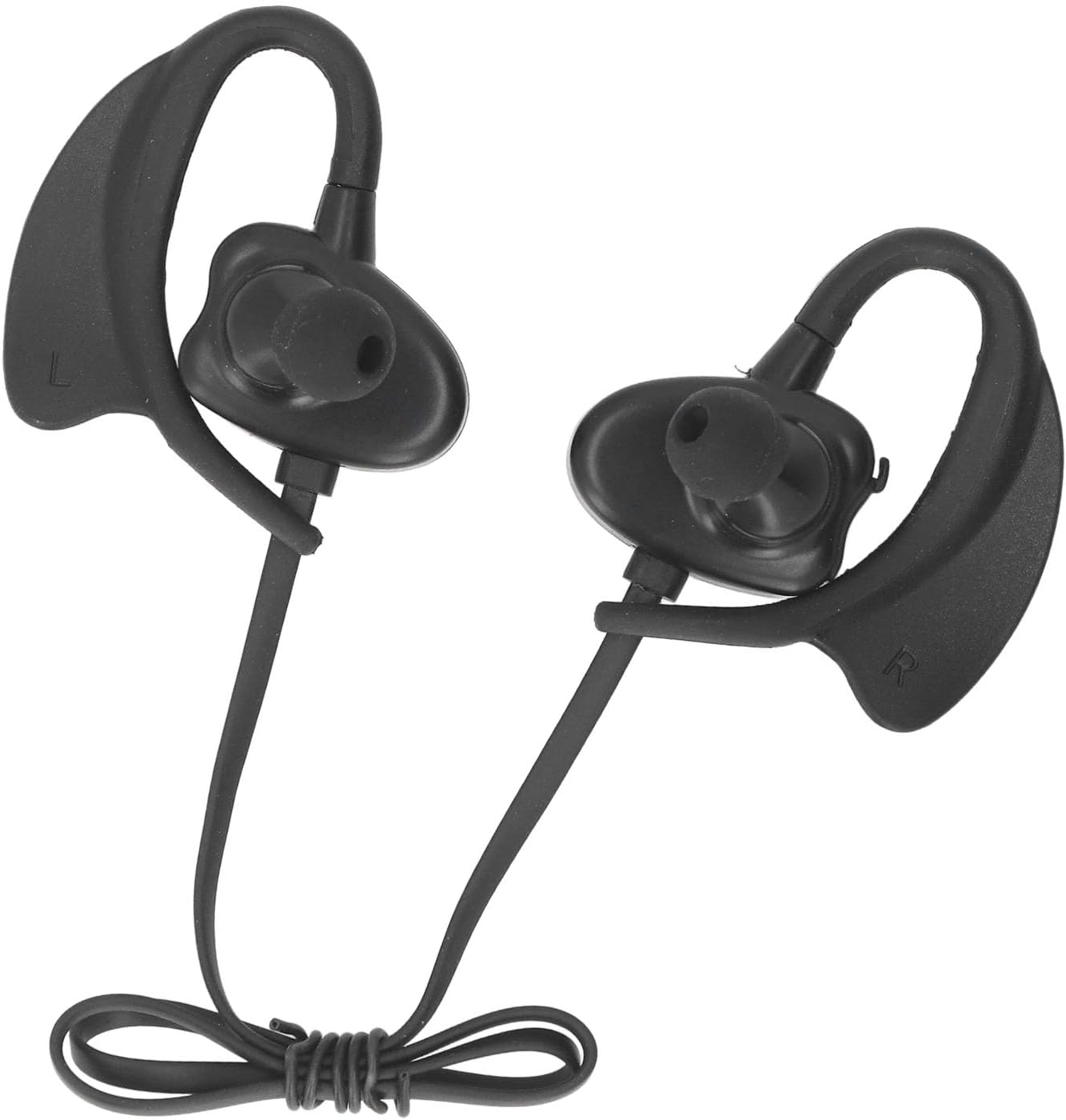
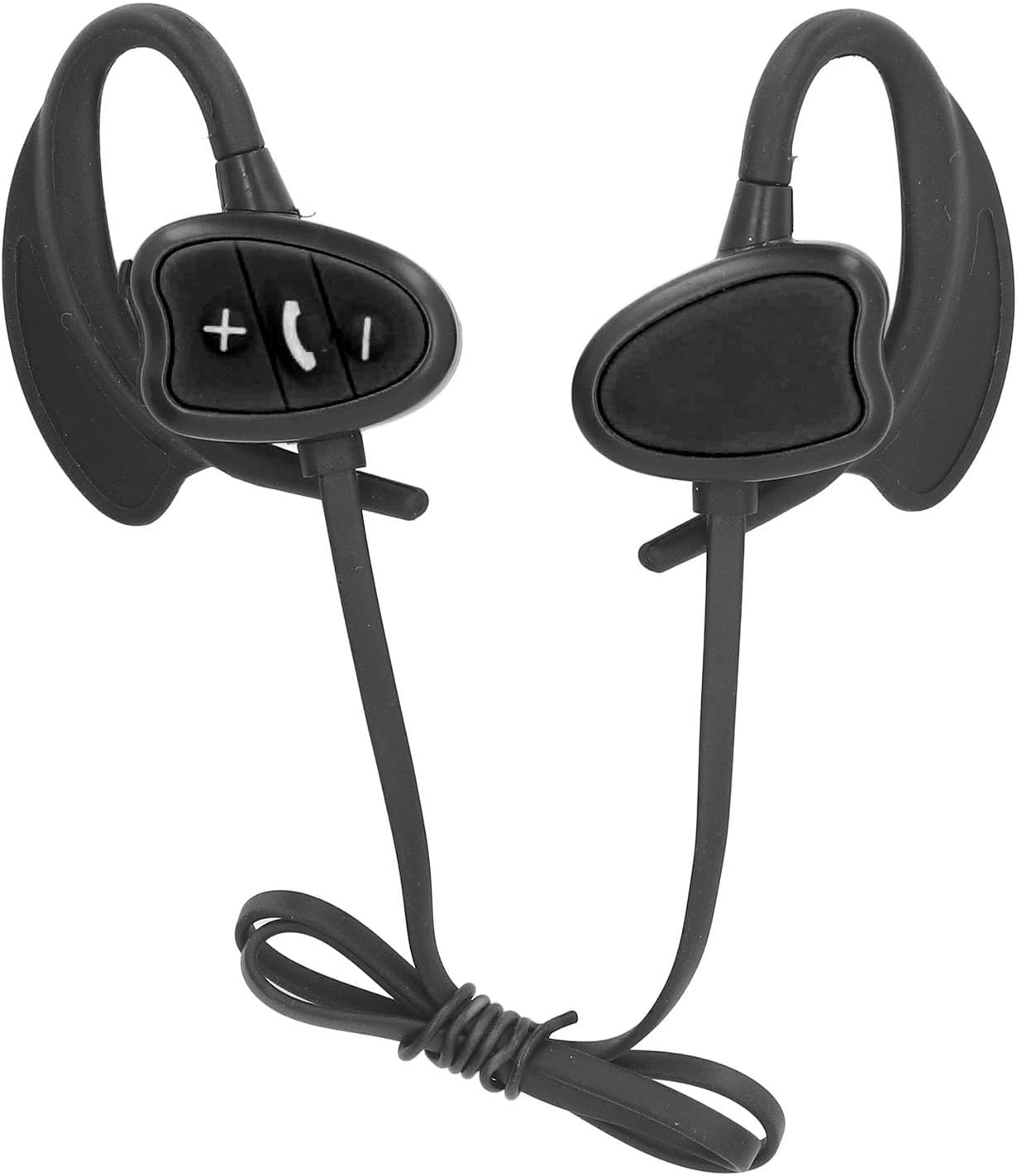
Swimming Wireless Earphones IPX8 5.4 Noise Reduction Headphones with 32GB Memory for Surfing Running, Blue (Blue)
Product details
| Management number | 209071378 | Release Date | 2026/03/29 | List Price | $17.32 | Model Number | 209071378 | ||
|---|---|---|---|---|---|---|---|---|---|
| Category | |||||||||
1. [USER-FRIENDLY OPERATION] User manual included for easy set-up and usage instructions. 2. [VARIOUS EAR TIP SIZES] Comes with 4 ear tips for a customized fit that suits your ears. 3. [POWERFUL CHARGING] Li-ion battery with 180mAh capacity provides efficient charging for uninterrupted use. 4. [LIGHTWEIGHT DESIGN] Lightweight construction for comfortable wear without added pressure during activities. 5. [-PROOF STRUCTURE] IPX8 water rating ensures durability against water splashes and immersion. Spec: Item Type: Swimming Headphones Material: Silicone Memory: 32GB Battery: Li ion battery DH601230 180mAh (shipped with built in battery) Application: Pool, surfing, diving, water aerobics, yoga, running Suitable for: Adults Model: LAE 802 Version: 5.4 Charging Current: 100mA Charging Voltage: 4.75 to 5.75V Working Voltage: 3.3 to 4.2V Distortion: ≤0.1% Frequency: 2.40GHz to 2.48GHz Support Protocols: HSP, HFPA2 DP, AVRCP, etc. Receive Sensitivity: -92dBm Reception Distance: 20m Single/Double Ear: Stereo dual sided Water Rating: IPX8 Power On Off: Power On: Long press power key for 3 seconds, indicator light on, earphone voice prompt, device turned on. Power Off: In power on state, long press power key for 3 seconds, indicator light off, earphone voice prompt, device turned off. Dual Language: In pairing mode, double click answer key. Connection: 1. Enter pairing mode upon power on, indicator light flashing, earphone in pairing state. 2. Enable phone , search for 'LAE 802' and pair. 3. Once pair is completed, earphone can be used for listening to music, making calls, etc. Note: If earphone is paired with device once, it will auto pair second time; manual disconnection can be done after use. Call Status: Answer Incoming Call: Short press power key when call comes in to answer the call. Reject Incoming Call: Long press power key for 2 seconds when call comes in to reject the call. End Call: During call, short press power key to end the call. Redial: In standby or music playback, double press power key to dial last dialed number on phone. Play Music: 1. In standby, short press power key or operate music player on phone to play music. 2. During music playback, short press power key to pause music, press again to resume playback. 3. During music playback, long press and hold the volume up button to turn up the volume, and press and hold the volume down button to turn down the volume. 4. During music playback, press the volume up button briefly to select the following song; press the volume down button briefly to select the previous song. How to Use: Wear: 1. Replace the ear tips with a size that fits you. 2. Wear the headphones with the R/L side corresponding to the right/left ear. 3. Rotate the connection point between the headphones and ear hook to find a comfortable angle. 4. Connect the headphones to your phone, adjust the volume, choose a song. 5. Once the above steps are completed, you can enjoy the wonderful music. PackageList: 1 x Swimming Headphone 4 x Ear Tips 1 x USB Cable 1 x User Manual Notice: 1. The pool water and sea water are erosive. To ensure the lifespan of the device, please rinse with water and dry thoroughly after use before storage. 2. During exercise, improper wearing of headphones may cause water to enter the headphones, resulting in a muffled sound. 3. You can take off the headphones and lightly shake them to remove water, then put them back on to restore the original sound quality. 4. Before charging, make sure there is no water in the headphone interface to avoid damage to the device.
- [USER-FRIENDLY OPERATION] User manual included for easy set-up and usage instructions.
- [VARIOUS EAR TIP SIZES] Comes with 4 ear tips for a customized fit that suits your ears.
- [POWERFUL CHARGING] Li-ion battery with 180mAh capacity provides efficient charging for uninterrupted use.
- [LIGHTWEIGHT DESIGN] Lightweight construction for comfortable wear without added pressure during activities.
- [-PROOF STRUCTURE] IPX8 water rating ensures durability against water splashes and immersion.
| Color | Blue |
|---|---|
| Brand Name | Fesjoy |
| Model Name | Fesjoy7ckdi8ln9e-12 |
| Unit Count | 1.0 Count |
| Manufacturer | Fesjoy |
| Model Number | Fesjoy7ckdi8ln9e-12 |
| BuiltIn Media | no |
| Number of Items | 1 |
| Warranty Description | manufacturer warranty for 90 day |
| Connectivity Technology | ethernet |
| Headphones Ear Placement | In Ear |
| Headphone Folding Features | In Ear |







Correction of product information
If you notice any omissions or errors in the product information on this page, please use the correction request form below.
Correction Request Form